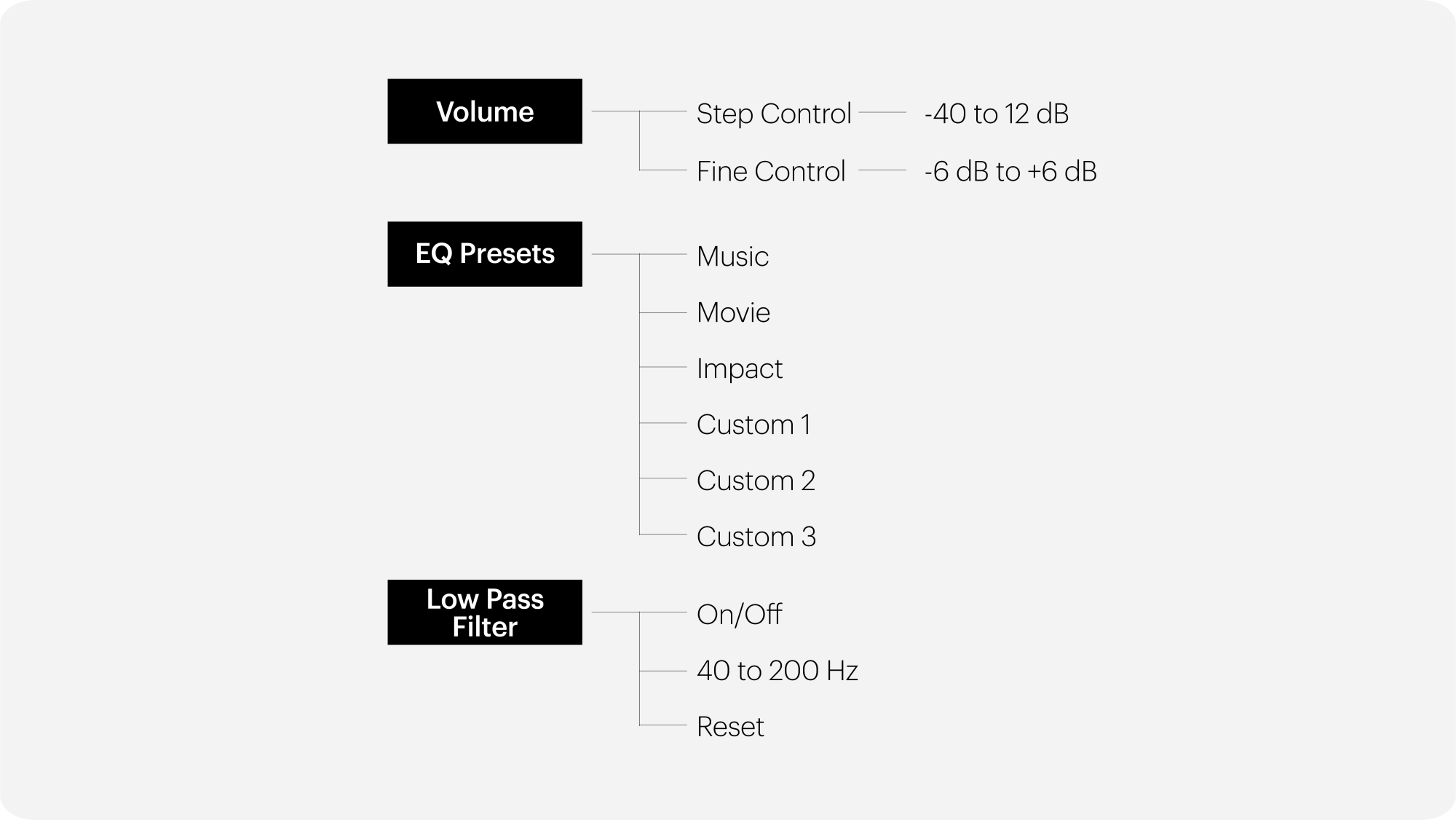
Equaliser presets can be selected from the on-screen menu within MaestroUnite under EQ Presets.
Here, you can select from a list of three predefined Monitor Audio presets (Music, Movie, Impact) designed by our audio experts or three custom presets.
These can be created and saved to the subwoofer using the MaestroUnite app.
If you were unable to find an answer to your query in our Anthra support section or you require any further assistance, please contact our technical team via email at technical@monitoraudio.group or give us a call on +44 1268 740580.
Was this article helpful?
That’s Great!
Thank you for your feedback
Sorry! We couldn't be helpful
Thank you for your feedback
Feedback sent
We appreciate your effort and will try to fix the article